If you are looking for best cache plugin for WordPress, this guide explains the practical options and decisions to consider before you choose a solution.
Answer-first introduction
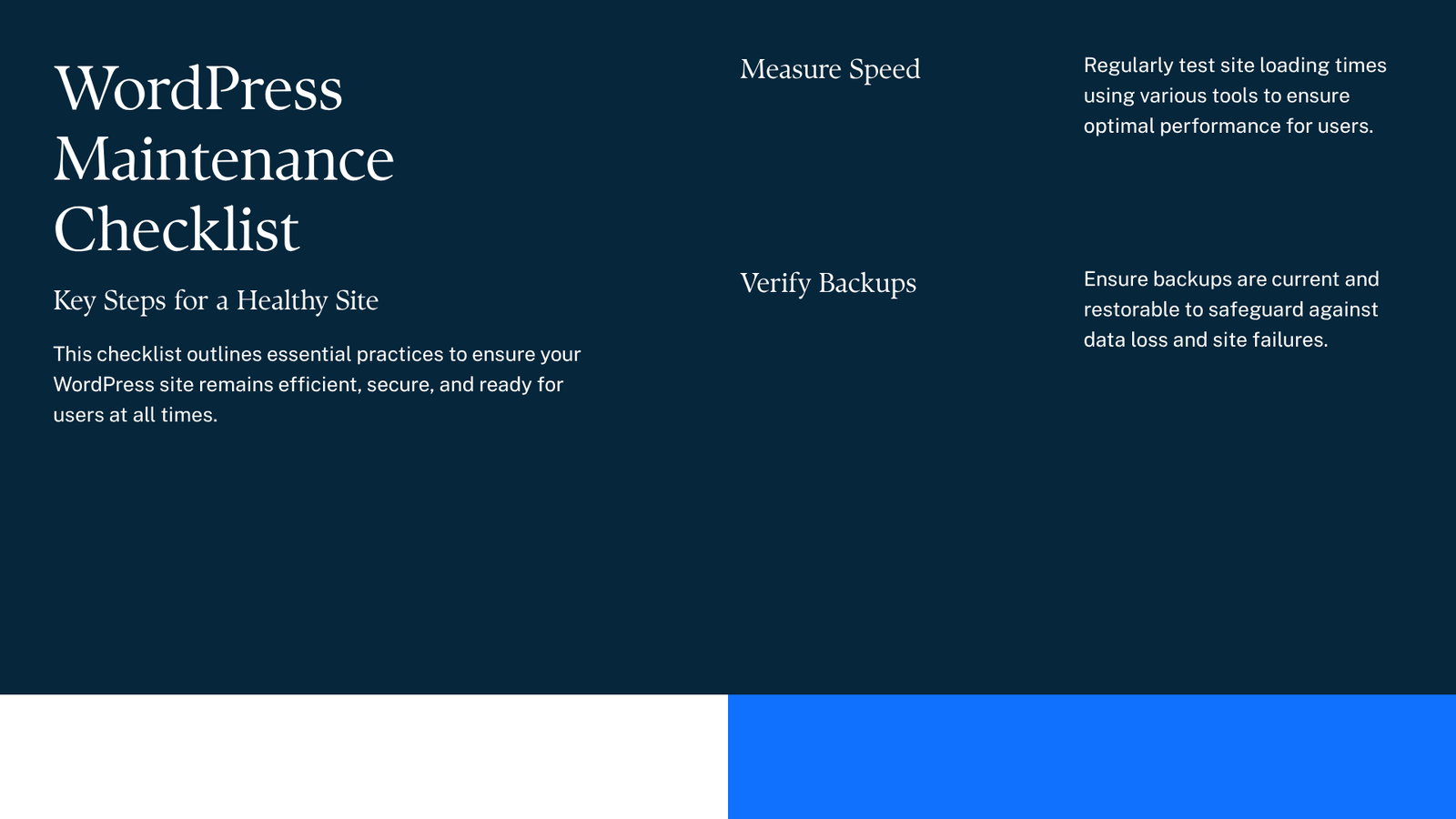
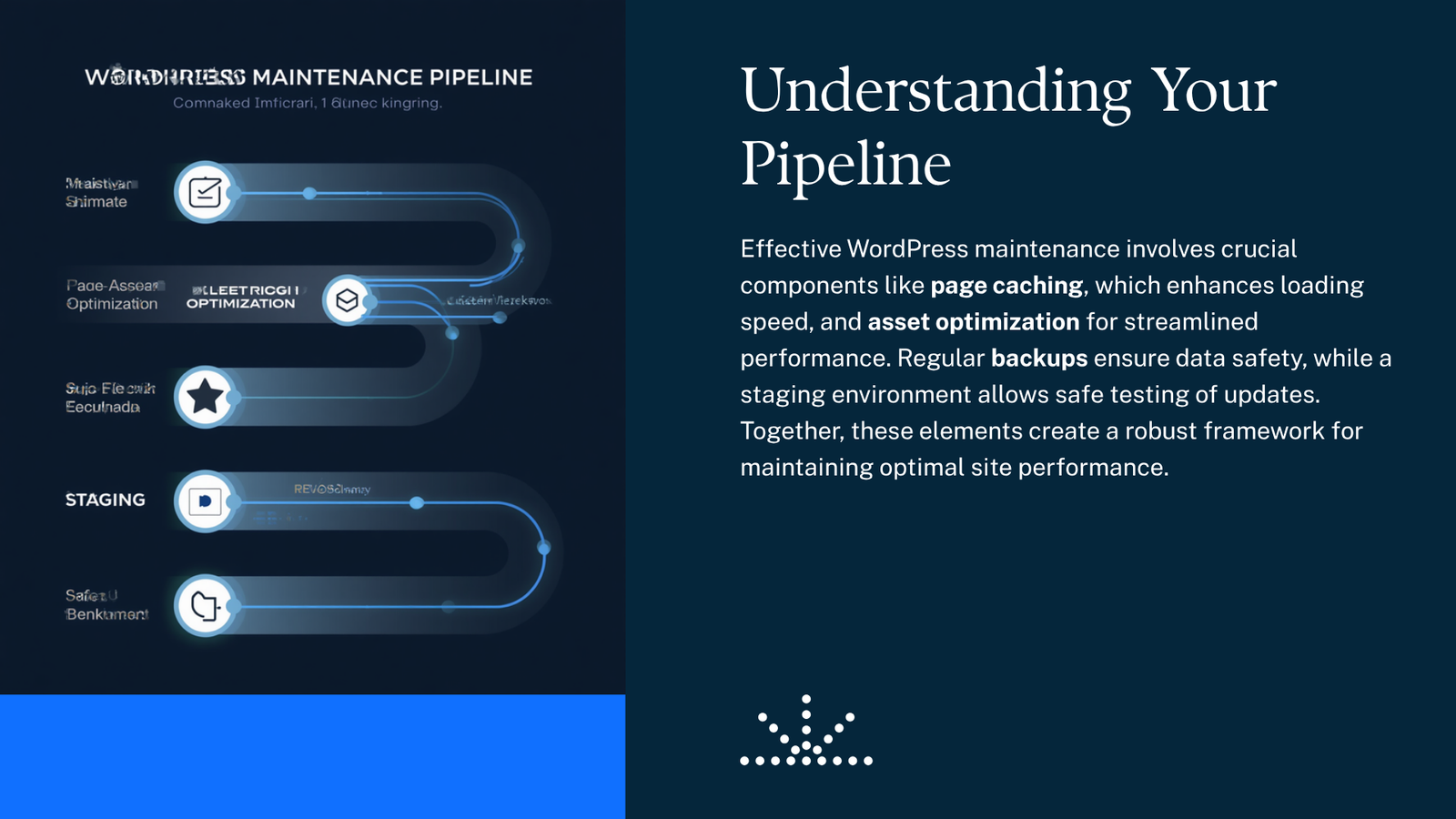
If you want a faster, more reliable WordPress site, start with caching: the best cache plugin for WordPress depends on your host and goals, but configured caching plus a CDN, regular backups, and a staging environment will deliver the biggest practical gains. This guide explains how to choose and configure caching, add a CDN, keep backups, and use staging so you can maintain speed without risking your live site.
Why caching matters (quick)
Caching reduces work your server does on each page view by serving stored copies of content (page cache), saving database queries (object cache), and reusing compiled PHP code (opcode cache). Combine caching with a CDN and optimized PHP settings to reduce load time and server CPU.
How to choose the best cache plugin for WordPress
- Match the plugin to your hosting. Some hosts (LiteSpeed, Kinsta, WP Engine, Cloudways) include optimized caches; installing a conflicting cache plugin can cause problems.
- Decide which caches you need: page cache, object cache (Redis/Memcached), and browser cache headers are most effective for dynamic sites.
- Prefer a plugin that offers granular controls (exclusions, mobile settings, heartbeat control) and clear documentation for beginners.
- Consider managed or premium options if you want hands-off setup; free plugins can be excellent if you’re comfortable following a tutorial.
Practical plugin options (what people commonly use)
- WP Rocket — popular premium plugin with an easy UI and built-in features (file optimization, CDN support). Good for beginners who want a simple setup.
- LiteSpeed Cache — powerful and free, best when your host uses LiteSpeed server software but still useful on other hosts for optimization features.
- WP Super Cache / Cache Enabler — simple free page-cache solutions that work on many hosts.
- W3 Total Cache — advanced and flexible; steeper learning curve.
- Redis Object Cache (plugin) — specifically for object caching when your host provides Redis.
If you prefer free options, consider Cache Enabler or WP Super Cache for a straightforward page cache and combine them with a free CDN or object cache where available.
One H2 you must see: best cache plugin for WordPress
If you ask “which is the best cache plugin for wordpress?” the short answer is: there is no single best plugin for every site. For most users, choose by hosting compatibility and ease of use: WP Rocket (paid) for a beginner-friendly, full-featured approach; LiteSpeed Cache (free) if your host supports it; Cache Enabler or WP Super Cache (free) if you want a lightweight page cache.
Quick configuration checklist (step-by-step)
- Check your host’s recommendations and built-in caching. Disable duplicate caches.
- Install a page cache plugin and enable page caching.
- Enable browser caching and gzip compression (most plugins have toggles).
- If your host offers Redis, enable object caching and install a Redis plugin. What is Redis for WordPress? Redis stores frequently used queries in memory so PHP and MySQL do less work.
- Add a CDN and configure it to serve static assets (see CDN setup for WordPress site steps below).
- Test and exclude admin, cart, and checkout pages from cache (eCommerce sites).
- Monitor after changes and roll back if something breaks.
Compact comparison table
| Cache type | What it does | When to use |
|---|---|---|
| Page cache | Serves static HTML versions of pages | Most sites benefit first |
| Object cache (Redis) | Stores DB query results in memory | Dynamic sites with many queries, WooCommerce |
| Opcode cache | Keeps compiled PHP in memory (OPcache) | Server-level; enable in PHP settings |
| CDN | Serves images/CSS/JS from edge servers | Global audience, large static assets |
CDNs: 7 good options (and a free choice)
- Cloudflare (free tier available)
- BunnyCDN
- KeyCDN
- StackPath
- Amazon CloudFront
- Fastly
- Google Cloud CDN
For a best free CDN for WordPress, Cloudflare’s free plan is a common starting point. Each CDN has a different setup flow—most provide a plugin or DNS-based integration.
PHP and server tips
- Use the newest stable PHP version your themes and plugins support. For WordPress 6.5 and later, using PHP 8.x (8.1/8.2) is commonly recommended for performance—confirm compatibility before switching.
- Enable OPcache at the server/PHP level (not a plugin) if your host supports it.
Backups and staging (don’t skip these)
- Schedule regular automated backups (daily or more for active sites) that include files and the database.
- Keep at least one recent offsite backup (cloud storage) and test a restore occasionally.
- Use a staging environment for major changes: test caching rules, plugin updates, and theme edits on staging first.
Recommended backup approaches
- Host-provided backups: easiest and usually integrated into the control panel.
- Plugins/services: several backup plugins exist—choose one with restore testing and offsite storage.
Safety note on nulled plugins
Do not use nulled or pirated plugins for caching or backups. Nulled software can contain malware, backdoors, or break updates. Use official plugin directory downloads or vendor sites.
A brief note on security monitoring
For added protection, consider a security-monitoring plugin alongside backups. One option worth evaluating is DominoGuard (a DominoPress product) for security scanning and alerts; treat it as one tool in a broader maintenance plan.
FAQ
Q: Which is the best cache plugin for WordPress for a small blog?
A: A lightweight free page cache like WP Super Cache or Cache Enabler is often ideal for blogs. Pair it with Cloudflare (free) for edge caching.
Q: Do I need both a cache plugin and a CDN?
A: Yes — they solve different problems. A cache plugin reduces server work; a CDN reduces latency for global visitors.
Q: What is Redis for WordPress and do I need it?
A: Redis is an in-memory store for object caching. Use it if your site runs lots of database queries (dynamic sites, WooCommerce) and your host supports Redis.
Q: How often should I back up my site?
A: At minimum weekly, but for active sites or stores, daily or hourly backups are safer.
Conclusion
Start with a caching plugin that matches your host, enable object caching if supported, add a CDN for global performance, and always use automated backups and a staging site before changes. These steps give the best practical improvements to site speed and reliability without risky experiments on your live site.
Sources
- WordPress documentation: https://wordpress.org/documentation/
- WordPress plugin directory: https://wordpress.org/plugins/
- Digital Web Tutor: https://digitalwebtutor.com/
- DominoPress plugins: https://dominopress.com/plugins