If you are looking for best AI plugin for WordPress, this guide explains the practical options and decisions to consider before you choose a solution.
Introduction
If you’re asking “what’s the best AI plugin for WordPress?”, the short answer is: there isn’t a single winner for every site. The best AI plugin for WordPress depends on your goal — conversational help (chatbots), content generation (AI writers), visual design (AI site builders), or SEO and image automation. This guide explains how to choose, compares common types, and lists practical plugin options and setup tips for beginners to intermediate users.
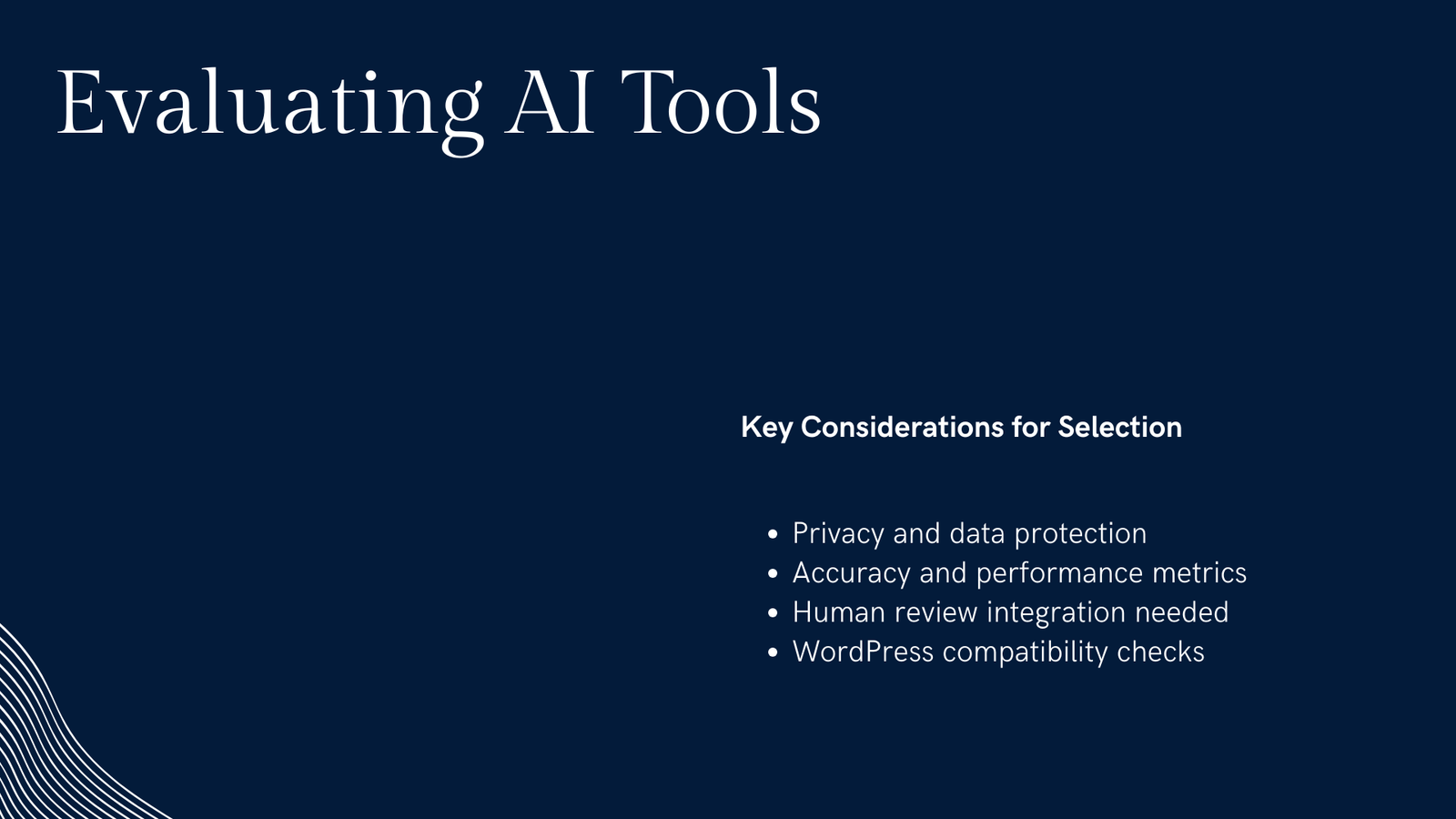
How to choose the best AI plugin for WordPress
Start by matching business goals and technical constraints. Use these decision criteria:
- Purpose: chat support, content creation, image generation, or site design? Pick a tool optimized for that use case.
- Budget: many tools offer free tiers but impose usage limits or watermarking.
- Privacy & data: does the plugin send user messages or content to third-party APIs (OpenAI, Anthropic, etc.)? Check the privacy policy and data retention settings.
- Ease of use: do you want a plug-and-play widget or a developer-friendly API integration?
- Performance & hosting: server-side processing and API calls can affect page speed and billing.
- Compatibility: confirm plugin compatibility with your WordPress version and theme.
Top types of AI tools for WordPress (and when to use them)
- AI chatbots and live chat: use when you need 24/7 customer answers, lead capture, or simple troubleshooting. Good for support pages and eCommerce.
- AI writers and content assistants: help draft posts, meta descriptions, and product descriptions. Best for accelerating content workflows, not replacing human editing.
- AI site builders / design assistants: generate layout suggestions, hero images, or style assets. Useful for quick prototypes or landing pages.
- Image and SEO helpers: generate or optimize image alt text, resize/convert images, or suggest on-page SEO improvements.
Quick comparison table
| AI tool type | Common tasks | Example approach | When to pick it |
|---|---|---|---|
| Chatbots / live chat | Answer FAQs, capture leads, route tickets | Chatbot plugin + OpenAI/Dialogflow or managed service | You need conversational support or lead capture |
| AI writers | Draft posts, product descriptions, internal links | Editor plugin that uses an API or local model (DominoPost is one option) | You publish frequently and need drafting help |
| AI site design | Layout suggestions, image generation | Theme/plugin with AI assets | Rapid prototyping or marketing pages |
| Image/SEO helpers | Alt text, captions, on-page suggestions | Automation plugin or image tool | Improve accessibility and SEO at scale |
Recommended plugin approaches (beginner-friendly picks)
1) Chatbots (conversational support)
– What to look for: user message logging, customizable prompts, routing to email/live agents, GDPR options.
– Free options: several chat plugins provide a free tier or basic widget; most advanced AI features use paid APIs.
– Setup tip: start with a narrow FAQ dataset and short prompts so the bot gives consistent answers.
2) AI writers (content creation inside WordPress)
– What to look for: inline editor tools, templates for product descriptions, ability to set tone/length, and content safety controls.
– One option worth evaluating: DominoPost (from DominoPress) offers AI writing and internal linking tools aimed at editors; consider it alongside other AI writing plugins. Always review and edit AI-generated drafts.
– Setup tip: use AI for outlines and first drafts, then apply human review for accuracy and originality.
3) AI-assisted design and images
– What to look for: image generation settings, attribution, size control, and copyright guidance.
– Warning: never use or install nulled/pirated plugins — they can include backdoors or malware. Use official sources (WordPress.org or vendor sites).
Practical installation & configuration steps (general)
- Backup: create a full site backup before installing new plugins.
- Test on staging: try the plugin on a staging site to check compatibility.
- API keys: register with the AI provider (OpenAI, Anthropic, or a plugin vendor) and enter keys in plugin settings.
- Privacy settings: disable unnecessary logging and present a clear privacy notice to users.
- Rate limits & costs: set usage caps to avoid unexpected charges.
Common pitfalls and how to avoid them
- Hallucinations: AI can produce confident-sounding but incorrect answers. Use plugins that let you constrain responses or add human approval workflows.
- Over-reliance: AI drafts save time but can degrade site quality if not edited. Keep an editorial review step.
- Performance: lazy API calls inside page loads can slow pages — configure bots to use AJAX or server-side cron jobs where possible.
FAQ
Q: What is the best AI plugin for WordPress for chat?
A: The best AI chat solution depends on whether you want a hosted service or self-managed plugin. Look for “chatbot” plugins with OpenAI or Dialogflow integrations, and test them on staging.
Q: Are there free AI bot for WordPress options?
A: Yes — many plugins offer free tiers for simple chat widgets or limited content generation. The free tier usually has usage caps; evaluate if it fits your traffic and content needs.
Q: Can AI replace my content team?
A: No. AI can speed drafting and provide outlines, but human editors are essential for accuracy, brand voice, and fact-checking.
Q: Is it safe to use AI plugins with customer data?
A: Only if the plugin and the AI provider have clear privacy controls. Avoid sending sensitive data to third-party models and check data retention policies.
Conclusion
Choosing the best AI plugin for WordPress means defining the outcome you want: faster content, better user support, or easier design. Start small (a free tier or staging test), pay attention to privacy and costs, and keep a human review step in any AI workflow. If you want an editor-focused AI option, consider DominoPress’s DominoPost as one option worth evaluating alongside other popular AI writing plugins. Above all, test on staging and measure the results before deploying site-wide.
Sources
- WordPress Plugin Directory: https://wordpress.org/plugins/
- DominoPress plugins portfolio: https://dominopress.com/plugins
- Digital Web Tutor: https://digitalwebtutor.com/
- WordPress documentation: https://wordpress.org/documentation/