If you are looking for best form plugin for WordPress, this guide explains the practical options and decisions to consider before you choose a solution.
Answer-first introduction
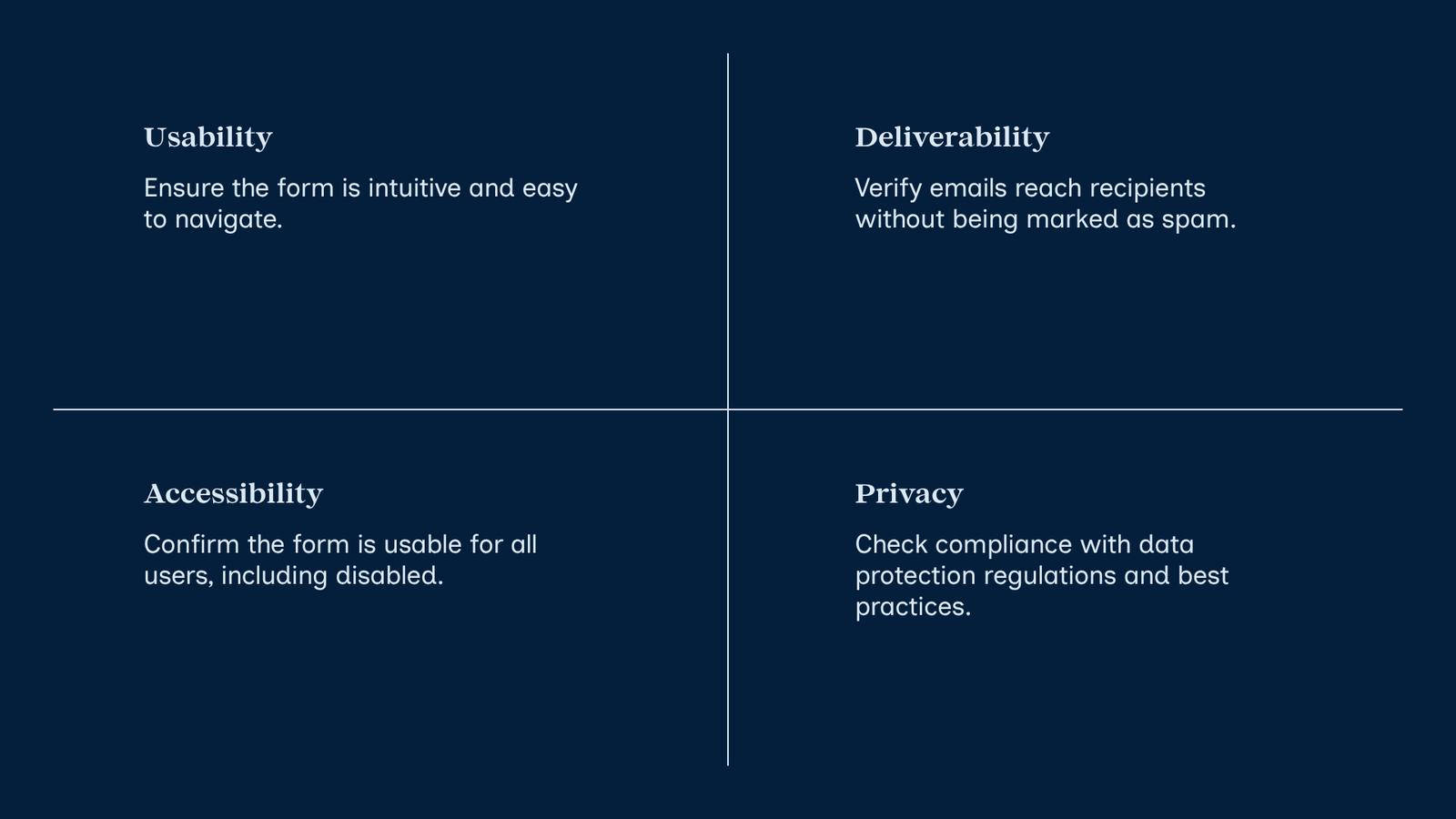
If you need the best form plugin for WordPress to collect contacts, send reliable email, push leads into a CRM, and manage customer support, focus on four things: form usability, email deliverability (SMTP), CRM/integration options, and support workflow. Below I’ll walk you through how to choose and configure a solution that covers contact forms, newsletter signups, pop-up and opt-in forms, CRM integrations, and ticketing or support workflows.
Why this matters (short)
A form plugin that looks good but doesn’t deliver email or connect to your CRM creates missed leads. Solving deliverability (SMTP) and integrations early prevents lost messages and messy manual processes.
How to choose: decision criteria
- Ease of setup: drag-and-drop builders and templates help non-developers. If you want minimal code, look for a plugin that advertises “no coding” and supplies templates.
- Email deliverability: support for SMTP or transactional email (SendGrid, Mailgun, Amazon SES) matters.
- CRM and marketing integrations: direct integrations or Zapier/webhooks for HubSpot, Zoho, Mailchimp, etc.
- Form types supported: contact forms, newsletter sign-ups, popup forms, multi-step forms, file uploads.
- Data and privacy: storage location, GDPR features, and spam protection (reCAPTCHA, honeypot).
- Support and extensibility: plugin compatibility with your theme and other plugins.
Best form plugin for WordPress: short list of options to evaluate
Popular plugins to evaluate include Contact Form 7, WPForms, Gravity Forms, Ninja Forms, Fluent Forms, and Forminator. Each has strengths: Contact Form 7 is lightweight and widely used; WPForms and Gravity Forms emphasize usability and integrations; others offer free and paid tiers. Try a free version to confirm the UI and integrations before upgrading.
One-page comparison
| Goal | What to look for in a plugin |
|---|---|
| Simple contact us form for WordPress | Lightweight form builder, email notifications, spam protection |
| Best form plugin for WordPress for newsletter | Native Mailchimp/ConvertKit integrations or webhook support |
| Pop up forms for WordPress / opt-in forms | Built-in popups or compatibility with popup plugins |
| CRM integration | Direct connectors (HubSpot, Zoho) or Zapier/webhooks |
| Email deliverability (set up SMTP for WordPress) | SMTP or transactional email add-on |
Practical setup steps (beginner-friendly)
- Pick a form plugin and install it from Plugins → Add New. Test the free version first.
- Create your main forms: contact form, newsletter sign-up, and any support request form. Keep fields minimal: name, email, subject, message, and an optional file upload or product/order ID for support.
- Improve deliverability: set up SMTP for WordPress
– Why: WordPress uses PHP mail() by default; many hosts block or mark these emails as spam.
– How (quick): install a dedicated SMTP plugin (for example, WP Mail SMTP), choose your mail provider (Gmail/Google Workspace, SendGrid, Mailgun, Amazon SES), and add API keys or SMTP credentials. Send a test email from the plugin settings to confirm delivery. - Connect to a CRM or email provider: use direct integrations if available (HubSpot, Zoho) or use webhooks/Zapier to push new form submissions into your CRM.
- Build support workflows: forward submissions to a shared inbox or ticketing system (Zendesk, Freshdesk) or create a support-facing custom post type in WordPress for tracking requests. Many CRMs and helpdesk systems accept incoming email or webhook-created tickets.
- Add pop-up/opt-in forms: either your form plugin includes popup builders or use a lightweight popup plugin that embeds your form. Keep pop-ups polite (exit intent or timed) and include clear privacy language.
- Test everything: submit forms, confirm email delivery to multiple providers (Gmail, Outlook), check CRM entries, and test ticket creation if used.
Integration examples and tips
- If you want the best free CRM for WordPress, HubSpot offers a free CRM plugin with forms and live chat; it’s a low-friction way to collect and manage leads without building a custom link.
- For Zoho CRM plugin for WordPress, check official and widely used integration plugins or use Zapier to move submissions into Zoho.
- If you prefer not to code, choose plugins or services that advertise “no coding required” and offer visual builders and pre-built integration connectors.
Security and privacy considerations
- Avoid installing nulled or pirated plugins — they often contain malware. Always use official plugin sources (WordPress.org, vendor sites).
- Limit collected data to what you need and publish a privacy policy explaining how you use submissions.
- Use HTTPS on your site and secure API keys used for SMTP/CRM connections.
Compact checklist before you launch
- Forms created and validated (client-side and server-side).
- SMTP configured and test emails verified.
- CRM integration tested and mapped fields confirmed.
- Spam protection enabled (reCAPTCHA/honeypot).
- Privacy notice/consent checkbox if required.
- Backup plan: submissions saved in the database or sent to an email that’s monitored.
FAQ
Q: What is SMTP for WordPress and why should I set it up?
A: SMTP (Simple Mail Transfer Protocol) is how email is reliably sent. Setting up SMTP or a transactional email service improves the chance your site’s emails reach the inbox instead of spam folders.
Q: Which plugin is best for a “contact us” form?
A: For a basic contact us form for WordPress, choose a lightweight builder you find easy to use — Contact Form 7 is a common free option; WPForms and Fluent Forms offer more visual builders and integrations.
Q: Can I use one form for both newsletter signups and customer support?
A: You can, but it’s better to separate marketing opt-ins from support requests. Use dedicated forms and ask explicit consent for marketing emails.
Conclusion
Choosing the best form plugin for WordPress means matching your goals: simple contact forms, newsletter signups, pop-up opt-ins, reliable email via SMTP, and CRM or ticketing connections. Start with a free plugin to validate your workflow, configure SMTP so emails arrive, and add CRM integrations or webhooks as you scale. That approach minimizes lost leads and keeps your support process organized.
Sources
- WordPress Plugin Directory: https://wordpress.org/plugins/
- WordPress documentation: https://wordpress.org/documentation/
- Contact Form 7 (example): https://wordpress.org/plugins/contact-form-7/
- WP Mail SMTP (example SMTP plugin): https://wordpress.org/plugins/wp-mail-smtp/