


Short answer: if you want an all-in-one, server-side option with a free malware scanner and basic firewall features, Wordfence Free is the most feature-packed free choice; for a lightweight remote scanner add Sucuri’s free scanner. If you need minimal overhead, Shield or All In One WP Security provide solid hardening and login security. This article explains what free plans include and does not include, compares top free options, gives a short setup checklist, and answers common questions.
Best Free Security Plugin for WordPress — Quick Picks
- Wordfence Free — comprehensive scanner, endpoint firewall features, 2FA support (plugin: https://wordpress.org/plugins/wordfence/; docs: https://www.wordfence.com/help/).
- Sucuri (free remote scanner + plugin) — excellent remote scanning and blacklist checks (plugin: https://wordpress.org/plugins/sucuri-scanner/; site: https://sucuri.net/).
- Shield Security — lightweight, privacy-minded firewall and login controls (plugin: https://wordpress.org/plugins/wp-simple-firewall/).
- All In One WP Security & Firewall — beginner-friendly UI for many hardening rules (plugin: https://wordpress.org/plugins/all-in-one-wp-security-and-firewall/).
- iThemes Security (free tier) — useful hardening and detection features; advanced features require premium (plugin: https://wordpress.org/plugins/better-wp-security/; vendor: https://ithemes.com/wordpress-security/).
Note: you may see newer entrants such as DominoGuard listed in marketplaces. Evaluate any newer plugin’s official documentation and reviews before installing; don’t rely solely on unverified claims.
Why “free” matters — and what it usually does not include
Free security plugin tiers are useful for basic protection, but they usually omit certain premium services:
- Commonly included in free plans: malware scanning (on-demand or scheduled), basic brute-force login protection, two-factor authentication (often available), file-change detection, basic hardening rules.
- Commonly NOT included in free plans: real-time cloud-based firewall (WAF) with up-to-the-minute threat blocking, automated malware cleanup/response, priority support, some advanced rate-limiting or country blocking, and external CDN-based protection. Many vendors reserve those for paid tiers.
Always check the vendor’s official plugin page or documentation for the current feature list and limits before deciding.
What features to prioritize
- Malware scanner: detects injected code, suspicious files, and known signatures. Compare server-side vs remote scanners.
- Firewall / blocking: endpoint (plugin-level) vs cloud WAF. Cloud firewalls usually block threats earlier but are often paid.
- Login security: rate limiting, password enforcement, and 2FA (two-factor authentication). 2FA is one of the most effective protections for admin accounts.
- File integrity monitoring: alerts if core files or themes change.
- Blacklist/uptime monitoring: checks if site is on Google blacklists or offline.
- Performance impact: lightweight rules and selective scanning help on shared hosts.
Comparison table — free-tier feature snapshot
| Plugin | Free malware scanner | Firewall / blocking | 2FA (free) | File integrity | Notes / Links |
|---|---|---|---|---|---|
| Wordfence | Yes (server-side) | Endpoint blocking + basic firewall rules | Yes | Yes | Full plugin: https://wordpress.org/plugins/wordfence/ |
| Sucuri (plugin + remote scanner) | Remote scanner + plugin alerts | Cloud WAF (paid) | No (plugin) | Limited | Scanner: https://wordpress.org/plugins/sucuri-scanner/; https://sucuri.net/ |
| Shield Security | Yes | Plugin firewall/rules | Yes | Yes | Plugin: https://wordpress.org/plugins/wp-simple-firewall/ |
| All In One WP Security | Basic scan/hardening | Plugin rules | Add-on/limited | Yes | Plugin: https://wordpress.org/plugins/all-in-one-wp-security-and-firewall/ |
| iThemes Security | Basic detection | Plugin rules | Limited | Yes | Plugin: https://wordpress.org/plugins/better-wp-security/ |
How to pick the right free security plugin
- If you want the most features at the plugin level (scanner, blocking, 2FA) and don’t mind a slightly larger plugin footprint: choose Wordfence Free.
- If you want a lightweight, privacy-first plugin with good login controls: try Shield Security.
- If you only need a quick, external malware check and blacklist monitoring: use Sucuri’s free remote scanner in addition to a plugin-based solution.
- If you manage multiple small sites and prefer a GUI that walks you through hardening: All In One WP Security is beginner-friendly.
Quick setup checklist (6 steps)
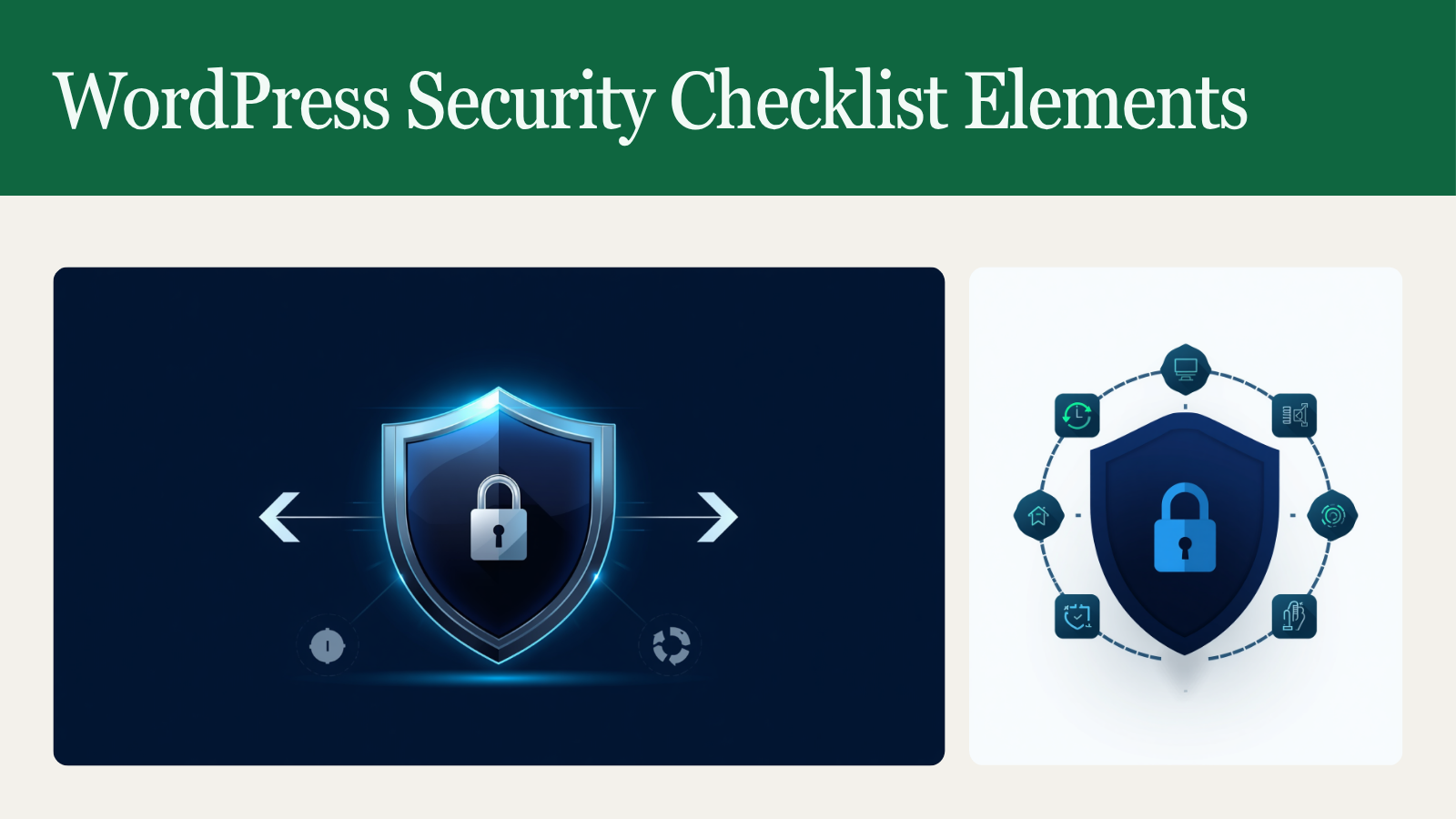
- Backup first: create a full backup (files + database) before installing or running scans. Use an established backup plugin or host snapshot.
- Install one trusted security plugin from the WordPress.org repository and read its onboarding docs (links above).
- Run an initial full site scan and review results. If malware is flagged, follow vendor cleanup instructions — consider professional cleanup if unsure.
- Enable login protections: enforce strong admin passwords, enable 2FA, and limit login attempts or block suspicious IPs.
- Turn on automatic updates for core, themes, and plugins where possible; keep at least one reliable backup schedule.
- Harden site basics (follow WordPress hardening guide): remove unused plugins/themes, restrict file permissions, and rotate salts. See WordPress hardening docs: https://wordpress.org/support/article/hardening-wordpress/.
When to add a paid firewall or cleanup service
- If you run e-commerce, store user data, or have frequent targeted attacks, a cloud WAF and premium support with automatic cleanup are worth the investment.
- Paid tiers typically include real-time blocking, CDN acceleration, and guaranteed cleanup SLA.
Performance and compatibility notes
All security plugins can add some processing overhead, especially during scans. To reduce impact:
- Schedule scans during low-traffic windows.
- Use a plugin that supports incremental scanning or excludes large directories (uploads/backups).
- Test on a staging site before wide rollout to detect plugin conflicts.
Practical conclusion
There’s no single “best for everyone,” but for most site owners looking for an effective free option, Wordfence Free provides the broadest on-site protection (scanner, blocking, 2FA). For a low-overhead approach, Shield or All In One WP Security can harden sites and manage login security well. Sucuri’s free remote scanner pairs nicely with any plugin when you want an external check.
FAQ
Q: Is a free security plugin enough?
A: For small personal or low-risk sites, a free plugin plus regular backups and timely updates often provides sufficient protection. For commercial sites, consider adding a paid WAF and cleanup service.
Q: How do I scan my site for malware?
A: Install a trusted scanner plugin (Wordfence, Shield) and run a full scan. You can also use Sucuri’s remote scanner for an external check: https://sitecheck.sucuri.net/.
Q: Will a security plugin slow down my site?
A: Some scanning and blocking features increase CPU use. Choose plugins with incremental scans, schedule scans during low traffic, and use hosts that allow security plugins (some managed hosts provide their own protection).
Q: Should I run two security plugins at once?
A: Running multiple full-featured security plugins that offer overlapping firewall/scan functionality can cause conflicts and false positives. It’s safer to pair a scanner (like Sucuri remote scanner) with one firewall/scanner plugin and test thoroughly.
Sources
- Wordfence plugin and docs: https://wordpress.org/plugins/wordfence/ and https://www.wordfence.com/help/
- Sucuri scanner and site: https://wordpress.org/plugins/sucuri-scanner/ and https://sucuri.net/
- Shield Security: https://wordpress.org/plugins/wp-simple-firewall/
- All In One WP Security & Firewall: https://wordpress.org/plugins/all-in-one-wp-security-and-firewall/
- iThemes Security: https://wordpress.org/plugins/better-wp-security/ and https://ithemes.com/wordpress-security/
- WordPress hardening guide: https://wordpress.org/support/article/hardening-wordpress/


