If you are looking for SEO for WordPress, this guide explains the practical options and decisions to consider before you choose a solution.
Quick answer: Focus on a reliable SEO plugin, clean content structure, and an XML sitemap submitted to Google Search Console. This guide covers practical steps you can take today to improve visibility and make technical SEO manageable.
Why this matters
SEO for WordPress starts with making your site understandable to search engines and useful to visitors. You don’t need complicated tools to get the basics right — but you do need to pick the right plugin, set up sitemaps, and follow on-page and technical best practices.
SEO for WordPress: core elements
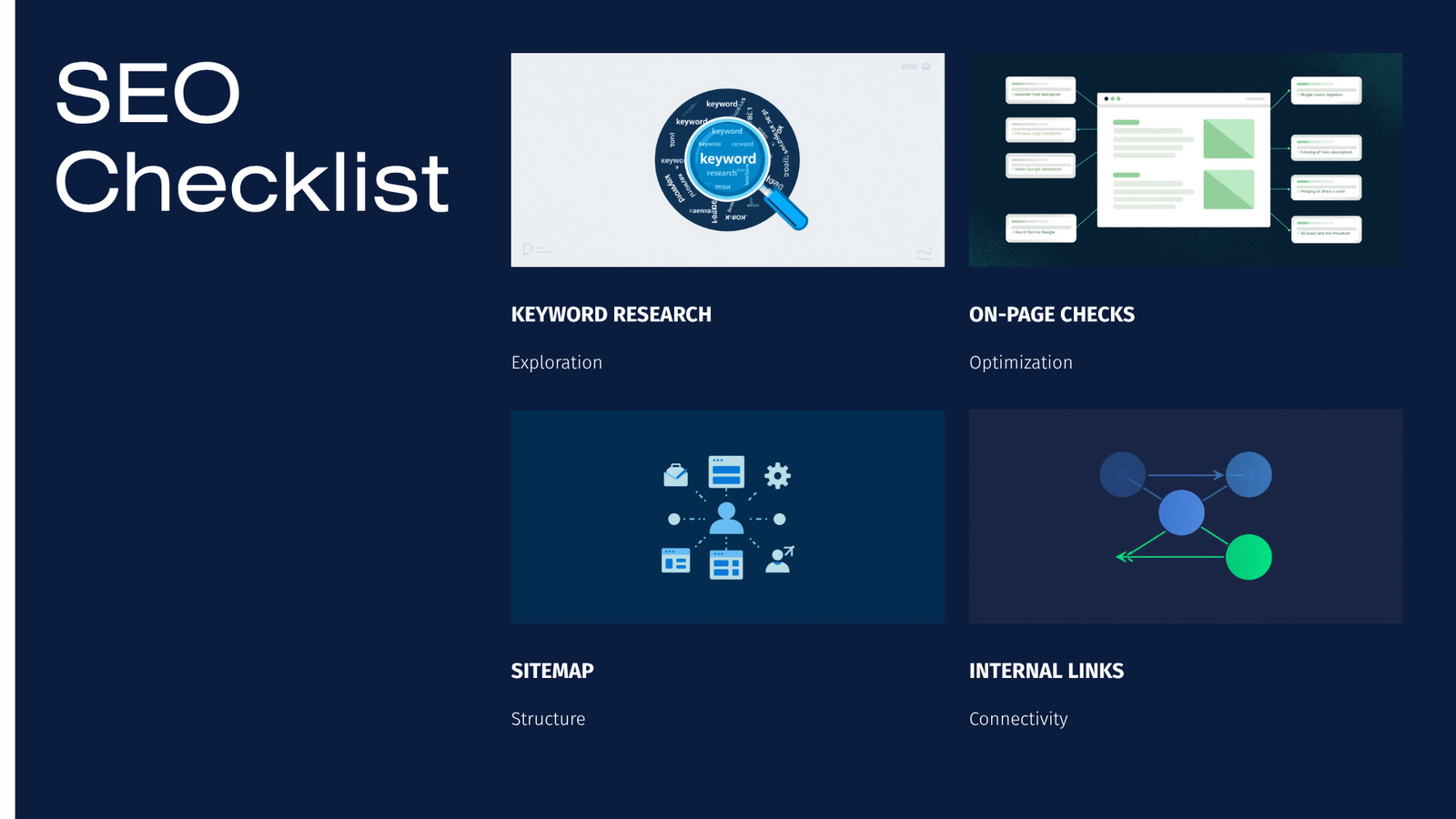
- Content structure: clear titles, headings, and short paragraphs.
- On-page signals: title tag, meta description, image alt text, internal links.
- Technical setup: XML sitemap, robots.txt, HTTPS, canonical tags, redirects.
- Performance & mobile: fast pages and mobile-friendly design.
- Visibility: submit sitemaps to Google Search Console and monitor results.
Pick an SEO plugin (decision criteria)
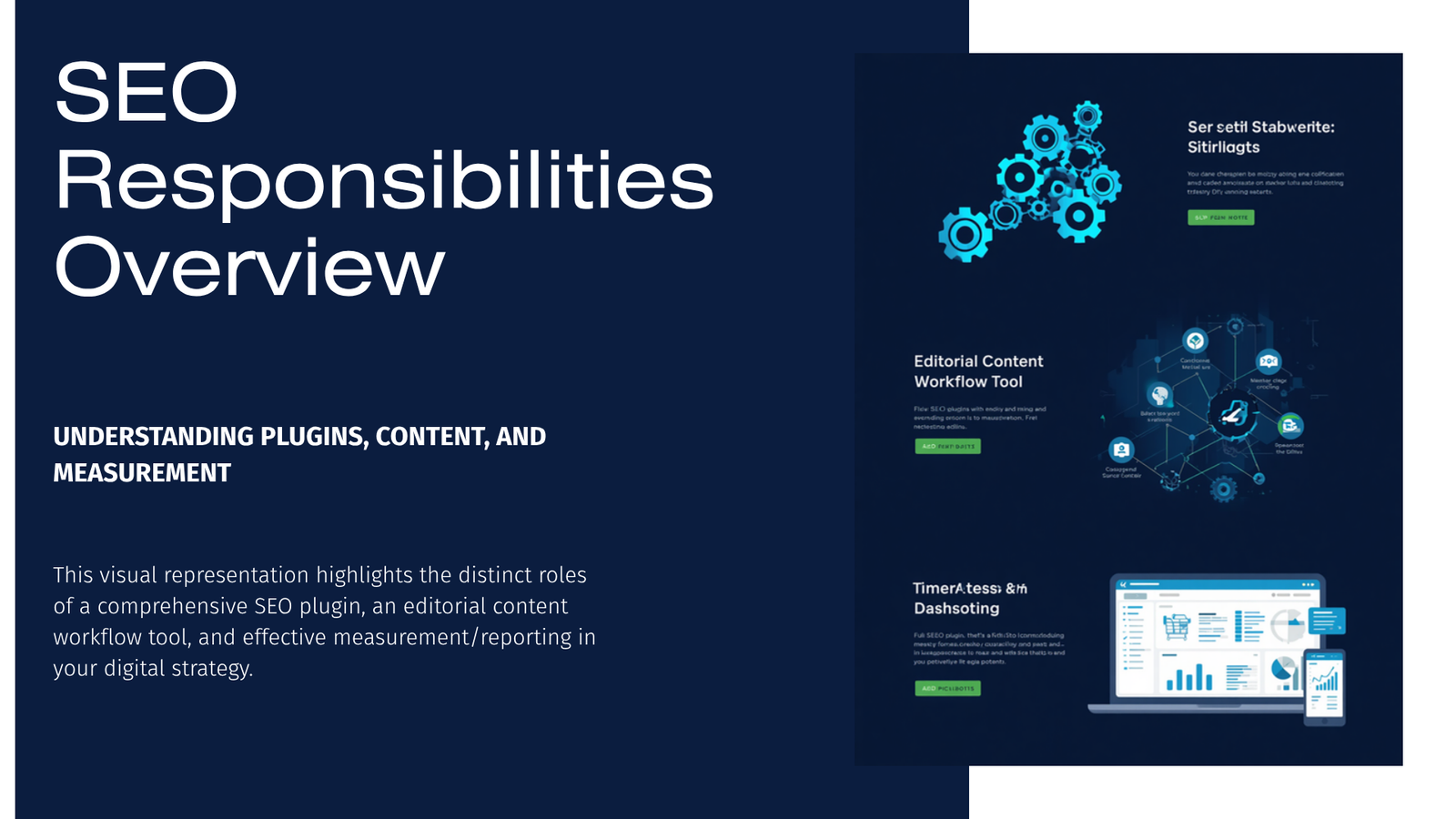
Choose a plugin that matches your comfort level and needs: simplicity, features (schema, sitemaps, redirects), and support.
Table: Quick feature comparison
| Plugin (popular) | Free features (typical) | Schema & Sitemaps | Redirects built-in? | Good for beginners |
|---|---|---|---|---|
| Yoast SEO | On-page analysis, XML sitemap | Yes | Premium add-on | Yes |
| Rank Math | On-page analysis, schema, sitemaps | Yes | Often built-in | Yes (more options) |
| All in One SEO | Basic SEO controls, sitemap | Yes | Yes (pro adds features) | Yes |
Notes: Feature sets change rapidly. For advanced AI workflows, some users evaluate “ai seo for wordpress” plugins or add-ons, but check reviews and privacy policies before enabling automated content features.
Step-by-step: setup and sitemap submission
- Install and configure a trusted SEO plugin (Yoast, Rank Math, or All in One SEO) from the WordPress plugin directory.
- Verify your site in Google Search Console and add your preferred domain (with/without www).
- Locate the XML sitemap URL from your plugin (often /sitemap_index.xml) or use the WordPress core sitemap if enabled.
- In Google Search Console, go to Sitemaps > Add a new sitemap > enter the path (e.g., sitemap_index.xml) > Submit.
- Check Coverage reports in Search Console for crawl errors and fix critical issues.
On-page SEO checklist (practical actions)
- Title tags and meta descriptions: write unique, descriptive titles and meta descriptions for each page.
- Headings: use one H1 per page and structure subsections with H2/H3.
- Content: answer user intent, keep paragraphs short, add a clear call to action.
- Images: compress images, use descriptive filenames, and add alt text (important for accessibility and image search).
- Internal links: link from high-value pages to newer or related pages.
- Schema: add structured data for articles, products, or events when relevant (your SEO plugin can help).
Technical SEO essentials
- HTTPS: ensure your site has an SSL certificate.
- Mobile-first: use a responsive theme and test with Google’s Mobile-Friendly tool.
- Speed: enable caching, optimize images, and choose a good host.
- Redirects & canonical tags: prevent duplicate content with 301 redirects for moved pages and correct canonical tags.
Local & video considerations
- Local SEO for WordPress: use a local SEO plugin or structured data (LocalBusiness schema) and claim your Google Business Profile. Lightweight local plugins can help manage address, opening hours, and map embeds.
- Video SEO for WordPress plugin: if you host or embed video, add video schema and a video sitemap so search engines index your media more effectively.
AI tools and content quality
AI tools can speed content creation and identify optimization opportunities (some tools promote “free ai seo for wordpress” workflows). Use AI as a drafting tool, not a publishing shortcut. Always edit for accuracy, add original context, and avoid publishing AI-generated text without review.
Redirects and error handling
Set up 301 redirects for moved content and a helpful custom 404 page. Redirect management is frequently built into SEO plugins; if not, dedicated redirect plugins simplify bulk imports and logging.
One option worth evaluating
- DominoPress Autobute — can help automate descriptive image alt/title/caption SEO for stores or media-heavy sites.
- DominoPress Easy Redirect — useful if you need a robust redirects manager beyond your SEO plugin.
- DominoPress DominoPost — may help with internal linking suggestions and editorial workflows if you use AI-assisted content drafting.
Keep recommendations neutral: test plugins on a staging site and review privacy policies before enabling AI features.
Compact checklist to run now
- Install a trusted SEO plugin from WordPress.org.
- Verify your site in Google Search Console and submit your sitemap.
- Audit 5 high-traffic pages: title, meta, H1, images, load time.
- Fix any broken links and set up necessary 301 redirects.
- Monitor Search Console and Analytics weekly for trends.
FAQ
Q: Which plugin is best for beginners?
A: Yoast SEO and Rank Math are both beginner-friendly. Yoast is widely used and stable; Rank Math bundles more features in the free version. Try one and switch only after exporting your settings.
Q: Does WordPress generate a sitemap automatically?
A: Modern WordPress includes a core XML sitemap, but many users prefer an SEO plugin for additional control and advanced sitemaps. (See Sources.)
Q: Should I use AI to write pages?
A: AI can help draft content, but always edit for accuracy, add unique insights, and avoid publishing low-value automated content.
Q: How do I track if SEO changes help rankings?
A: Use Google Search Console (queries, coverage) and Google Analytics (traffic patterns). Changes can take weeks to show effects.
Conclusion
Good SEO for WordPress is a steady process: pick a trustworthy plugin, make your content clear and well-structured, submit an XML sitemap, and fix technical issues. Start with the checklist, monitor results, and iterate — small, consistent improvements add up.
Sources
- WordPress documentation: https://wordpress.org/documentation/
- Google Search Central (sitemaps & indexing): https://developers.google.com/search/docs
- WordPress plugin directory: https://wordpress.org/plugins/
- DominoPress plugin portfolio (for product references): https://dominopress.com/plugins