


Short answer: pick a host that delivers reliable performance, strong security, easy WordPress management, and responsive support — those factors give you the best hosting for WordPress in practice. This guide explains what to compare, shows a quick hosting-type table, and gives step-by-step selection advice.
How to Choose the Best Hosting for WordPress —— Key Decision Criteria
-
Performance and resources
– Look for guaranteed PHP memory, CPU limits, and SSD storage. Hosts that show resource allocations (vCPU, RAM) are easier to compare.
– Important speed features: PHP 8.x support, PHP-FPM, HTTP/2 or HTTP/3, OPcache, and server-level caching. A CDN helps global delivery. -
WordPress-specific features
– One-click WordPress installs, automatic core updates (configurable), staging sites, and WP-aware support are useful for beginners.
– If you use plugins or custom code, check for SSH, Git, and WP-CLI access. -
Security and backups
– Free SSL (Let’s Encrypt), daily backups with easy restore, malware scanning, and a web application firewall (WAF) reduce risk.
– For additional site security tools, one option worth evaluating is DominoGuard, a WordPress security plugin that offers firewall and malware scanning at the plugin level. -
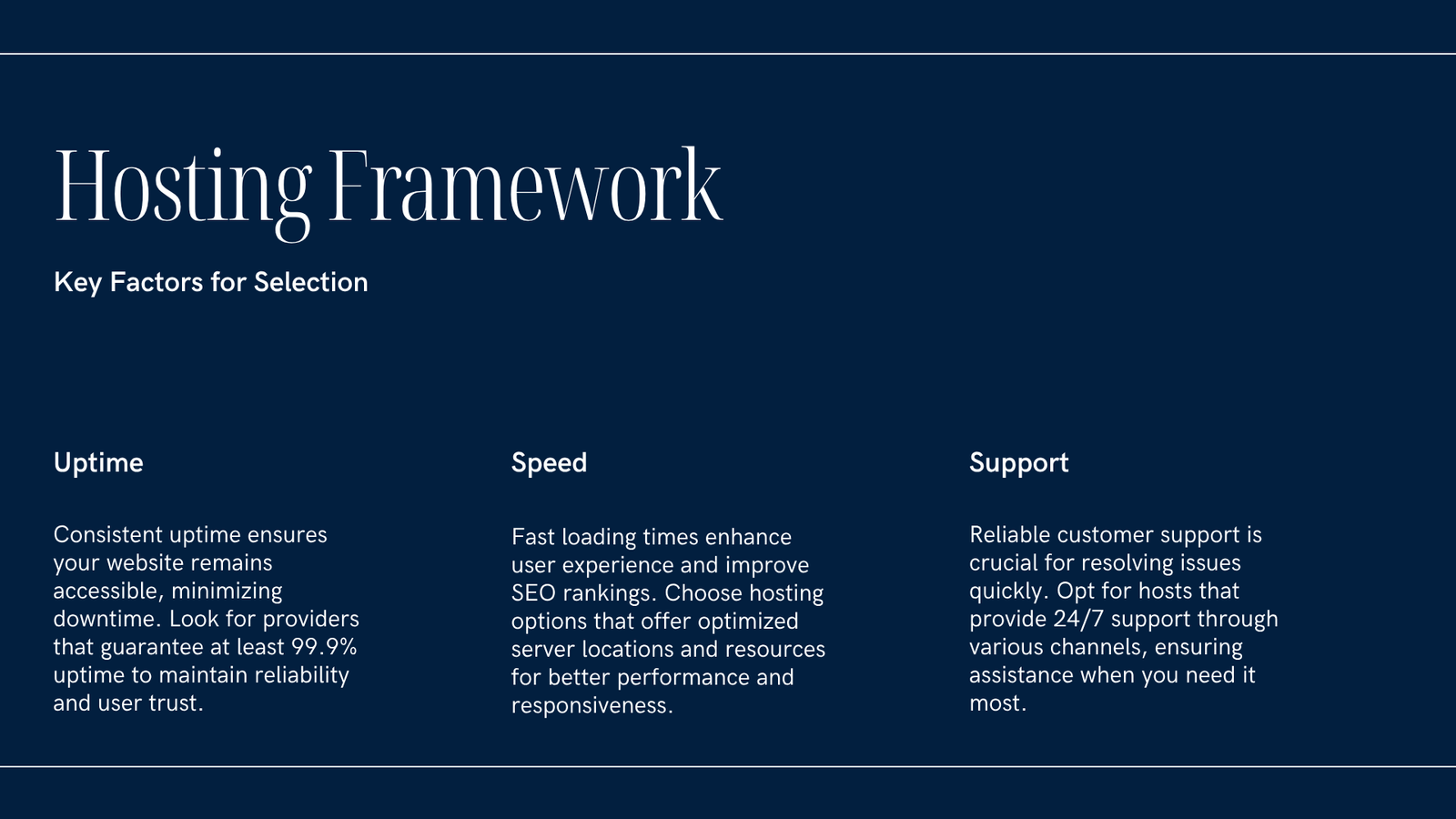
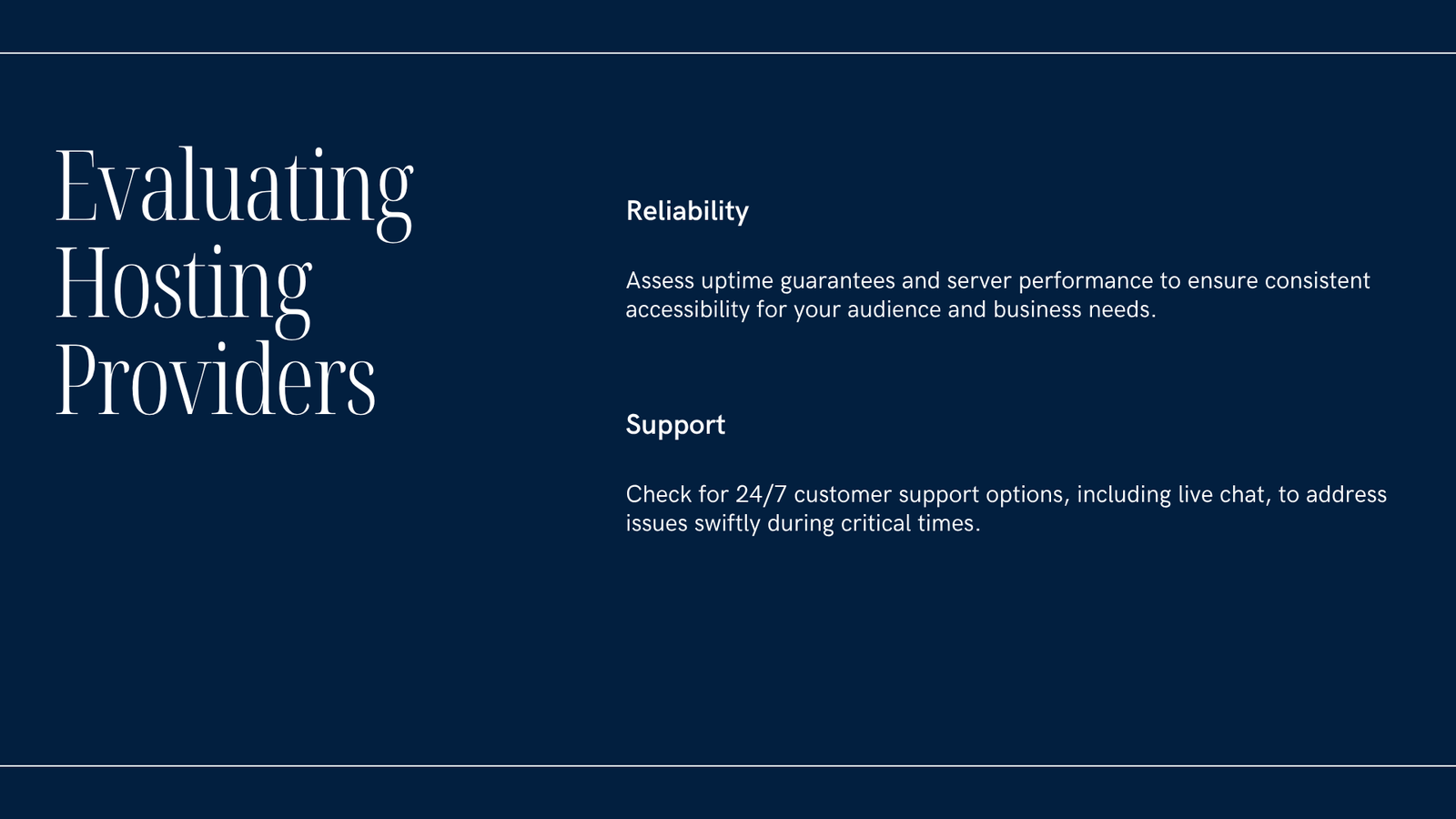
Uptime and reliability
– Look for an SLA or uptime history; 99.9% uptime is a common target. Read recent user reviews for real-world reliability. -
Support quality and channels
– 24/7 chat or phone support, WordPress-knowledgeable staff, and a helpful knowledge base are valuable, especially when you’re starting. -
Scalability and upgrade path
– Can you move from shared to VPS/cloud easily? Check whether the host supports auto-scaling or simple plan upgrades. -
Data center locations and legal concerns
– Choose a data center near your primary audience (US, Canada, Europe, India, Australia) to lower latency and meet privacy laws. -
Price and refund policy
– Compare TCO (renewal price, backups, CDN, bandwidth limits). Beware of very cheap plans that require excessive add-ons. -
Avoid free hosting for production
– Free hosting may be suitable for experimentation, but it often lacks speed, security, and reliable backups. For blogs or businesses, paid shared or managed hosting is safer.
Quick Comparison: Hosting Types
| Hosting type | Pros | Cons | Best for |
|---|---|---|---|
| Shared | Low cost, easy setup | Resource contention, limited control | Small blogs, new sites on a budget |
| Managed WordPress | Optimized, secure, automatic updates | Higher cost, less server-level access | Business sites, busy blogs, non-technical owners |
| VPS / Cloud | Dedicated resources, control | Requires admin skills (unless managed) | Growing stores, devs who need performance |
| Cloud / Auto-scale (e.g., AWS, GCP) | Scales well, high performance | Higher cost, complex setup | High-traffic sites, apps needing auto-scaling |
Step-By-Step: Pick a Host (Beginner-Friendly)
- Define needs: expected visitors, e-commerce vs blog, number of sites.
- Choose hosting type: shared for simple blogs, managed for WordPress convenience, VPS/cloud for performance and control.
- Check essentials: PHP version, backups, SSL, CDN options, staging, and 24/7 support.
- Test region: choose data center near your audience (US, Europe, India, Australia, Canada).
- Try before committing: use trial periods or money-back guarantees to test speed and support.
- Monitor after launch: use uptime and speed monitoring (UptimeRobot, GTmetrix) and keep plugins/themes updated.
Practical Tips for Specific Needs
- Best hosting for WordPress speed: prioritize hosts with server-side caching, NVMe/SSD storage, and a built-in CDN or easy CDN integration.
- Best hosting for WordPress cheap: choose reputable shared hosts that include SSL and backups; avoid hosts that charge for essential features.
- Best hosting for WordPress org (self-hosted): any host that supports PHP and MySQL/MariaDB and gives you file/database access will work; managed WordPress hosts simplify many tasks.
- Regional options: look for providers with local data centers for the best latency — e.g., India for South Asia, Europe for EU visitors, Canada/Australia for those countries.
What About “Free” Hosting or Trial Offers?
Free hosting often includes limits, ads, or no guaranteed backups. For testing a site, a free tier is fine, but for any site with visitors or business value, invest in a paid plan that includes backups, SSL, and support.
Short Checklist Before You Buy
- Does the plan include daily backups and easy restores?
- Is PHP 8.x supported and are WordPress updates easy?
- Are resource limits (storage, monthly visits, CPU) clear?
- Is support available 24/7 and WordPress-aware?
- Are data centers near your audience?
FAQ
Q: Is managed WordPress hosting worth the extra cost?
A: For many site owners, yes — managed hosting simplifies security, updates, backups, and performance tuning. If you prefer control and a lower starting price, a VPS might be a better choice.
Q: Can I use WordPress.org on any host?
A: Yes. WordPress.org (self-hosted WordPress) works on any host that supports PHP and MySQL/MariaDB. Managed WordPress hosts are just optimized environments.
Q: How much should I expect to pay?
A: Small blogs can start on shared plans ($3–10/month). Managed plans often start higher ($15+/month). Prices vary by region and features; check renewals and extras.
Q: Are WordPress plugins from third parties safe?
A: Use plugins from reputable sources (WordPress.org or trusted vendors). Avoid nulled/pirated plugins: they often contain malware and pose a security risk.
Conclusion
The best hosting for WordPress balances performance, security, and support with a transparent pricing model and upgrade path. Define your needs, compare hosting types, test with trial periods, and prioritize hosts that make backups, security, and WordPress management easy. If you need plugin-level security, consider options such as DominoGuard as part of a layered approach.
Sources


