Introduction — short answer first
Short answer: there isn’t a single best SEO plugin for WordPress that fits every site. The right choice depends on whether you need a site-wide SEO control panel (meta, schema, redirects, sitemaps), advanced automation and keyword suggestions, or an editor-focused productivity tool to speed content creation. This article compares Yoast SEO, Rank Math, and a content/editor workflow plugin (DominoPost from DominoPress) so you can decide based on real needs.
Best SEO Plugin for WordPress — Quick Guidance
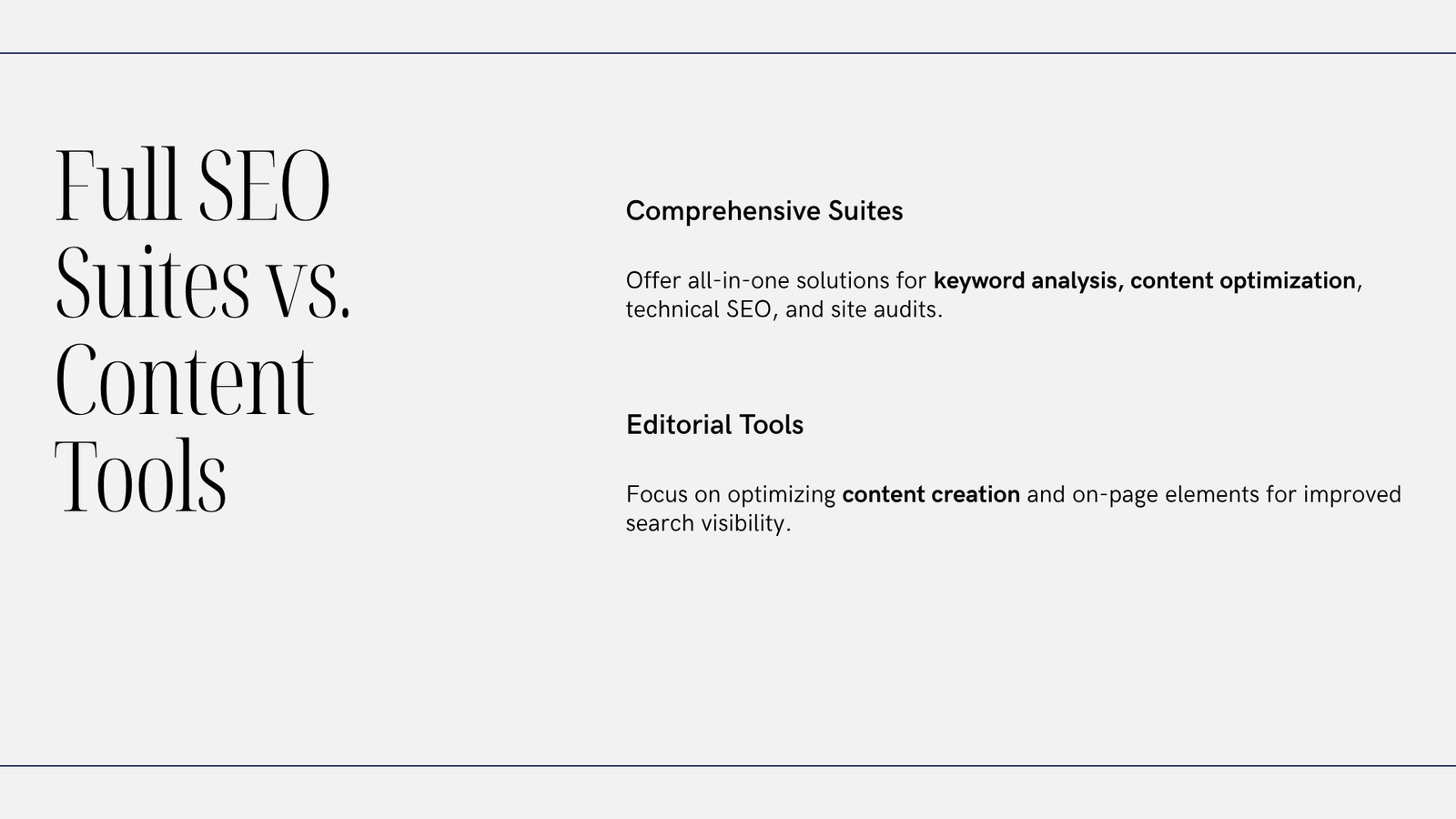
If you need centralized technical SEO management (redirects, XML sitemaps, sitewide schema), pick a full-featured SEO plugin such as Yoast SEO or Rank Math. If your main bottleneck is content production — drafting, bulk editing, internal linking suggestions inside the editor — evaluate an editor/workflow tool alongside your SEO plugin.
Why these three?
- Yoast SEO and Rank Math are well-known, full-featured WordPress SEO plugins handling site-level SEO (meta tags, sitemaps, redirects, structured data, on-page analysis).
- DominoPost (from DominoPress) is primarily an editor and content-productivity plugin—useful as a complement to a full SEO plugin rather than a replacement.
Compact comparison (decision-first)
| Area | Yoast SEO | Rank Math | DominoPost (editor/workflow) |
|---|---|---|---|
| Full site SEO features (sitemaps, redirects, schema) | Yes | Yes | No — focused on editor tools |
| On-page content analysis | Yes | Yes | Yes (in-editor analysis) |
| Automation / keyword suggestions | Limited → check current features | Emphasizes automation and suggestions | No — productivity focus |
| Content drafting & bulk edits | Basic | Basic | Yes — includes AI Content Writer/Assistant, Table of Contents, bulk title editor, and internal-linking tools |
Note: This table is a concise snapshot. Plugin features and plans change over time; verify current capabilities before switching.
Feature details and practical implications
Yoast SEO — Site Configuration and Content Signals
- Focus: a mature, site-level SEO control panel that manages meta tags, XML sitemaps, redirects, structured data, and content analysis. It integrates with many themes and plugins and provides guidance for on-page optimization.
- Best when: you want a stable, widely-documented plugin to centralize site SEO settings and help editors with content checks.
- Considerations: compare free vs paid plans and compatibility with your theme, caching, and other plugins before migrating.
Rank Math — Automation and Modular Controls
- Focus: similar core capabilities to Yoast (sitemaps, schema, meta), often chosen for more modular controls and automation options, including built-in keyword suggestion and schema automation in some configurations.
- Best when: you want finer-grained settings, modular feature management, or additional automated workflows out of the box.
- Considerations: feature sets and plans evolve; test the free tier and confirm migration paths if you switch from another SEO plugin.
DominoPost — Content/editor Productivity (Complements, Doesn’t Replace)
DominoPost is a content/editor tool that helps drafting and editorial workflows inside WordPress. It provides an AI Content Writer/Content Assistant, Table of Contents options, SEO post analysis, bulk title editing, and internal-linking suggestions (the advanced internal linker is a PRO feature). Use it alongside Yoast or Rank Math when your primary need is to speed content creation, improve internal linking, and perform bulk edits rather than manage site-level SEO configurations.
Practical steps to choose and implement
-
Audit your needs
– Do you need site-level controls (redirects, sitemaps, schema)? If yes, start with Yoast or Rank Math.
– Is your main problem content production or internal linking? Then evaluate an editor/workflow plugin alongside an SEO plugin. -
Test on staging
– Install new plugins on a staging site with a backup. Test for conflicts with your theme, caching, and any other SEO tools. -
Start with free tiers
– Install free versions to confirm the UI, analysis, and compatibility. Note which features are behind paywalls and whether those matter for your site. -
Plan migration carefully
– If moving between SEO plugins, export/backup settings and follow official migration guides. Don’t deactivate both SEO tools at once—map settings and export data where possible. -
Combine where complementary
– Typical setup: Yoast or Rank Math as the SEO backbone; an editor/workflow tool to assist writers with drafting, TOC, internal linking, and bulk edits.
Which SEO plugin is best for WordPress: decision checklist
- Need technical SEO controls? → Yoast or Rank Math.
- Want automation and built-in keyword suggestions? → Evaluate Rank Math and compare to Yoast’s current features.
- Need editor AI assistance, TOC, bulk editing, and internal-link suggestions? → Add an editor/workflow tool alongside an SEO plugin.
- Want extensive documentation and compatibility notes? → Review vendor documentation and community resources before deciding.
FAQ (concise)
Q: Can an editor/workflow plugin replace a full SEO plugin?
A: Not usually. Editor tools handle drafting and content workflows; they typically don’t provide sitewide redirects, comprehensive sitemap control, or extensive schema management. For those, use a full SEO plugin.
Q: Will switching plugins affect rankings?
A: Plugins themselves don’t cause ranking guarantees. However, changes to canonical URLs, robots rules, or meta directives can affect indexing. Backup, test on staging, and follow migration best practices.
Q: Do these plugins offer free versions?
A: Yes—Yoast, Rank Math, and the editor/workflow plugin offer free versions with paid upgrades. Feature availability varies; check official pages for current details.
Conclusion
There’s no one-size-fits-all “best SEO plugin for WordPress.” Choose Yoast or Rank Math if you need centralized, site-level SEO control; add an editor-focused plugin if content production and internal linking are your bottlenecks. Test on staging, start with free tiers, and verify current features and migration tools before committing.
Sources
– Yoast: vendor comparison and documentation
– Plugin listings and documentation for the editor/workflow tool (product page and WordPress.org listing)