


Choosing the best theme for WordPress starts with your website goals: blog, brochure site, online store, or portfolio. This guide gives practical decision criteria, recommended themes for common site types (including free options), a short setup checklist, and an FAQ so you can pick a theme that fits your needs without guesswork.
How to Choose the Best Theme for WordPress
Answer-first: there is no single “best” theme for everyone — the right theme depends on your priorities (speed, design flexibility, built-in features, WooCommerce compatibility, etc.). Use these criteria in order when evaluating themes:
- Purpose match: Does the theme offer starter templates or features tailored to blogs, portfolios, or ecommerce stores?
- Performance: Look for themes built to be lightweight and compatible with caching/optimization plugins.
- Responsiveness and accessibility: Important for mobile visitors and for meeting accessibility expectations.
- Compatibility: Ensure it works with your page builder (Gutenberg, Elementor, Divi Builder), WooCommerce, and major plugins.
- Updates and support: Frequent updates and active support indicate long-term viability.
- Customization: Check whether you can edit layout, colors, typography, and header/footer without editing code.
- Licensing and demos: Prefer themes distributed via WordPress.org or reputable marketplaces; avoid nulled or pirate copies for security reasons.
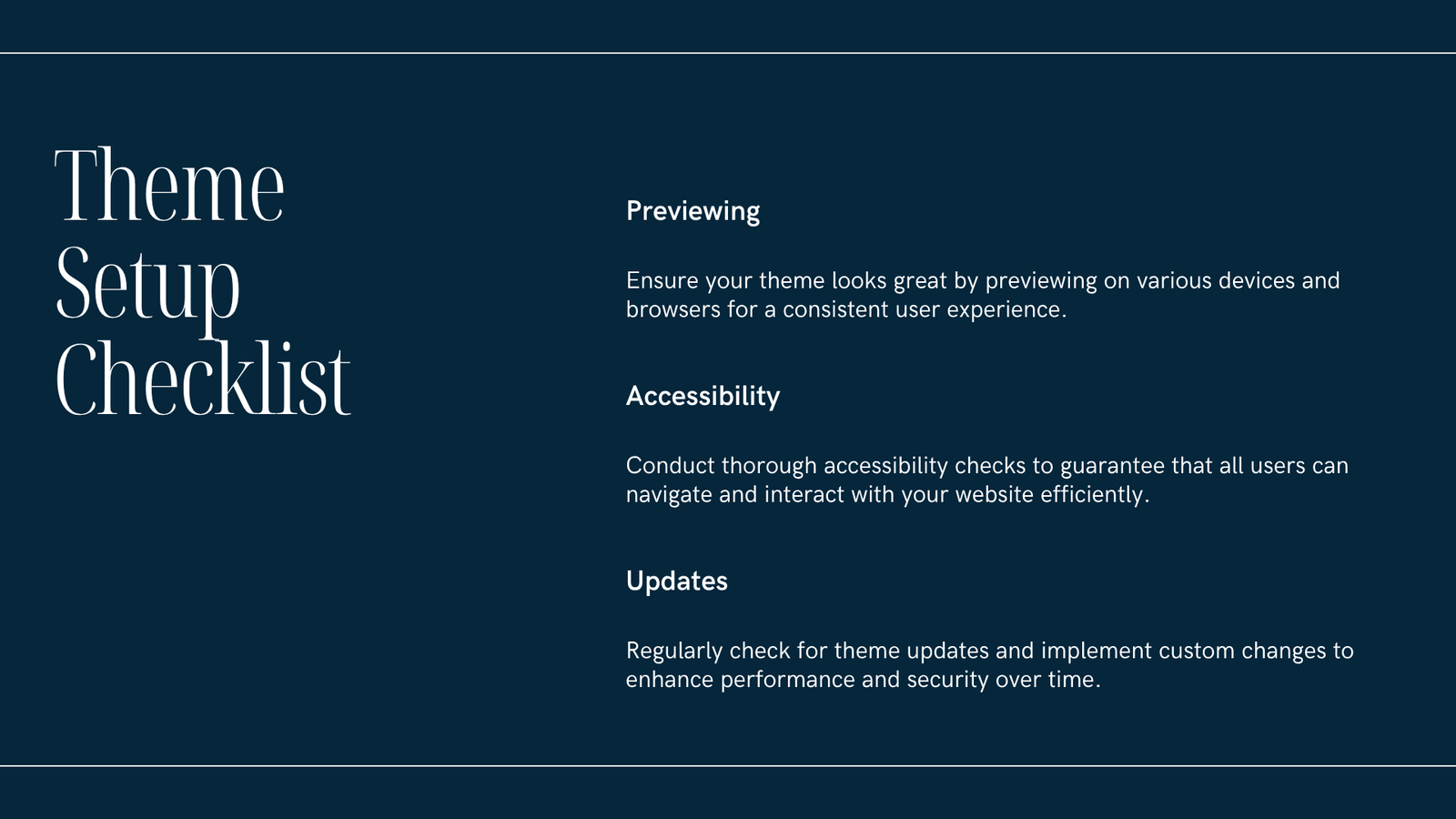
Apply these steps when testing a theme locally or on a staging site:
- Install theme and import a demo (if available).
- Check page load on mobile and desktop (use simple tools like Lighthouse or your browser’s dev tools).
- Test WooCommerce pages if you plan a store.
- Review theme options in the Customizer and editor.
Quick Comparison Table (Compact)
| Best for | Example themes (free/premium) | Why choose them |
|---|---|---|
| Lightweight general use | GeneratePress (free/premium), Astra | Fast, modular, works with page builders |
| Blogs & content sites | Kadence, Twenty Twenty-Three (block) | Clean typography, good for long-form content |
| Ecommerce / stores | OceanWP, Storefront (official WooCommerce), Astra | WooCommerce-ready, cart/checkout styling |
| Portfolios & photographers | Neve, Ashe, Portfolio-focused child themes | Visual layouts, gallery options |
| Drag-and-drop design | Divi (premium), Elementor-ready themes | Visual editing and many templates |
Note: the table lists common options to explore — test on a staging site and review support and update history before committing.
Top Theme Picks by Site Type
- Blogs and content-first sites (best theme for wordpress blog):
- GeneratePress (free + premium) — strong focus on speed and clean design.
- Kadence — great starter templates and typography options for bloggers.
-
Block themes like Twenty Twenty-Three — lightweight and built for the Gutenberg editor.
-
Business websites and portfolios (best theme for wordpress site / portfolio):
- Astra or Neve — flexible layout options and starter templates for agencies or small businesses.
-
Neve or Ashe — good for single-page sites and portfolios.
-
Ecommerce and stores (best theme for wordpress ecommerce / store):
- Storefront (free) — the official WooCommerce theme, minimal and reliable.
- Astra or OceanWP — have WooCommerce integrations and prebuilt shop demos.
-
If you need advanced product layout options, look for themes that explicitly state WooCommerce compatibility.
-
Free-first options (best theme for wordpress free / blog free / website free):
- GeneratePress, Astra, Storefront, and many block themes on WordPress.org offer useful free tiers. Start free and upgrade only if you need premium features.
Is Divi good for WordPress? Divi is a popular, premium visual builder/theme with many templates and built-in features. It’s powerful for design freedom but can be heavier than lightweight themes. Choose Divi if you want a visual design interface and are comfortable prioritizing features over minimalism.
Practical Installation and Testing Checklist
- Backup your site or use a fresh staging environment.
- Install and activate the theme (Appearance → Themes → Add New or upload ZIP from a vendor).
- Import a demo if you want a quick starting point (many themes provide one-click demos).
- Check mobile layout and use the browser dev tools to simulate devices.
- Run a quick performance check (Lighthouse or another tool) and note before/after optimization.
- Test key pages: homepage, blog post, shop, product page, cart, checkout, contact form.
- Verify that structured data and SEO plugin compatibility work as expected.
- Confirm accessibility basics: keyboard navigation, alt text on images, heading structure.
Frequently Asked Questions
Q: What is the best theme for WordPress?
A: There’s no single best theme for every project. Choose a theme that fits your site type, performs well, and is actively maintained. Popular starting points are GeneratePress, Astra, Kadence, Neve, and Storefront for stores.
Q: Which is the best theme for WordPress 2025?
A: Trends evolve, but themes focused on block editor compatibility, accessibility, and performance will remain a safe choice. Pick themes that release updates and support modern WordPress features.
Q: Is it safe to use free themes?
A: Yes, many excellent free themes are hosted on WordPress.org. Always download from official sources and avoid nulled or pirated themes — they can contain malware and lack updates.
Q: What do WordPress users recommend (best theme for WordPress Reddit)?
A: Reddit users often recommend lightweight, well-supported themes like GeneratePress, Astra, and Kadence. Community preferences vary, so test a few and pick the one that fits your workflow.
Q: Can a theme affect SEO and speed?
A: A poorly coded theme can slow your site or add bloat, which indirectly affects SEO. Choose a lightweight theme and optimize images, caching, and assets.
Conclusion
Picking the best theme for WordPress comes down to matching feature sets to your goals, testing on a staging site, and prioritizing performance and compatibility. Start with a lightweight, well-supported theme (many excellent free options exist), and upgrade or change only if you need design features or ecommerce integrations that the base theme doesn’t provide.
Sources
- WordPress documentation: https://wordpress.org/documentation/
- WordPress plugin & theme directory: https://wordpress.org/
- Digital Web Tutor: https://digitalwebtutor.com/


